Why Tally on Cloud Is a Cost-Effective Solution for Seamless Accounting?
January 23, 2026Saurabh Pal6 min readTally On Cloud
In a rapidly evolving digital business environment, companies continually seek ways to enhance operational efficiency while minimizing costs. Accounting, one of the most critical business functions, directly affects cash flow management, compliance, financial reporting, and decision-making. Traditional accounting systems that rely on physical servers and desktop installations often create limitations such as high infrastructure costs, restricted accessibility, and complex maintenance.
This is where Tally on Cloud emerges as a modern, flexible, and economical solution. By moving Tally to a cloud-based environment, businesses can access their accounting data from anywhere, collaborate in real time, and eliminate expensive hardware investments. Whether you run a small enterprise, a multi-branch organization, or an accounting firm, cloud-based Tally helps streamline operations while keeping costs predictable and manageable.
Understanding What Tally on Cloud Means
Tally on Cloud refers to server Tally software, such as TallyPrime or Tally ERP, on a secure cloud server instead of installing it on a local computer or office server. Users connect to the system through the internet using authorized login credentials.
How the Cloud Setup Works
Tally is installed on a virtual cloud server.
Accounting data is stored securely in the cloud environment.
Authorized users access Tally remotely from laptops, desktops, or tablets.
Several users can simultaneously work on the same company data.
Data backups and security protocols are managed automatically.
This setup enables businesses to operate independently of a physical office system.
Why Businesses Are Moving Toward Cloud-Based Accounting
The way businesses operate has changed dramatically. Remote work, digital collaboration, and faster decision-making are now standard expectations.
Major Drivers Behind Cloud Adoption
Increased need for remote accessibility
Rising cost of IT infrastructure
Demand for real-time data availability
Growing cybersecurity risks
Need for scalability and flexibility
Simplified compliance and reporting
Tally on Cloud addresses all these challenges while maintaining the familiar Tally interface that users trust.
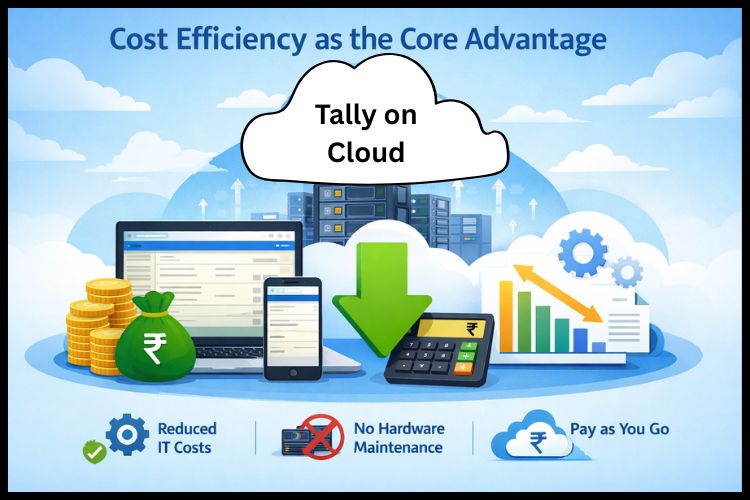
Cost Efficiency as the Core Advantage
One of the strongest reasons businesses adopt Tally on Cloud is its cost-saving potential. Traditional systems require high upfront investment and ongoing operational expenses.
Expenses Reduced with Cloud Hosting
No need to purchase servers or networking equipment
Elimination of hardware maintenance and upgrades
Lower electricity and cooling costs
Reduced IT manpower requirements
No need for expensive backup infrastructure
Long-Term Financial Benefits
Lower total cost of ownership
Predictable monthly and annual pricing
Scalable cost based on business usage
Faster deployment without infrastructure delays
Reduced downtime and productivity loss
These financial advantages allow businesses to invest more resources into growth and innovation.
Seamless Accessibility and Business Mobility
With Tally on Cloud, your accounting system is no longer tied to a single office or computer. Because of this, users can access the application safely and securely from anywhere with an internet connection.
Benefits of Anytime Access
Work from home or remote locations
Instant access to financial reports and dashboards
Faster approvals and decision-making
Easy collaboration between teams and branches
Business continuity during unexpected disruptions
This flexibility supports modern hybrid work environments and ensures uninterrupted productivity.
Data Security and Reliability in Cloud Accounting
Cloud hosting environments are designed with advanced security protocols. Data protection is often stronger than traditional on-premise setups.
Key Security Features
Encrypted data transmission
Multi-layer firewall protection
Automated daily backups
Disaster recovery systems
Role-based access permissions
These measures protect sensitive financial data against cyber threats, accidental deletion, and system failures.
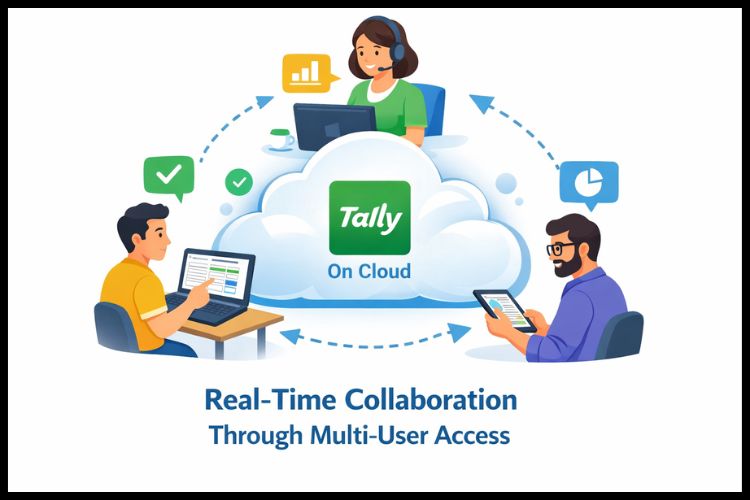
Real-Time Collaboration Through Multi-User Access
Modern businesses require multiple stakeholders to access accounting data simultaneously. Cloud server enables seamless collaboration.
This ensures uninterrupted access to critical financial information.
Suitable for Multiple Business Types
Tally on Cloud supports a wide variety of industries and business sizes.
Small and medium enterprises
Multi-branch organizations
Retail and distribution companies
Manufacturing businesses
Accounting firms and consultants
Startups and freelancers
Every business seeking flexibility and cost efficiency can benefit.
Environmental and Operational Sustainability
Cloud technology supports sustainability by reducing energy consumption and electronic waste.
Reduced hardware dependency
Lower electricity usage
Minimal physical infrastructure
Optimized resource utilization
This aligns with responsible business practices.
Conclusion
Tally on Cloud delivers a powerful combination of affordability, security, scalability, and operational flexibility. It eliminates heavy infrastructure costs, simplifies IT management, enables real-time collaboration, and ensures seamless accessibility. From predictable cost control to long-term business readiness, cloud-based accounting empowers organizations to operate smarter and faster.
For businesses seeking a dependable cloud hosting partner with flexible plans and reliable support, Tallycloudhub offers a trusted platform to begin your cloud accounting journey.
Frequently Asked Questions
Q1: Do I need special hardware to use Tally on Cloud?
No, you only need a stable internet connection and a basic computer or laptop.
Q2: How fast is Tally on Cloud compared to desktop Tally?
With a good internet connection, performance is smooth and often faster than local systems.
Q3: Can I upgrade users anytime on Tally on Cloud?
Yes, you can easily scale users based on your business needs.
Q4: Can I use my existing Tally license on the cloud?
Yes, most cloud setups allow you to use your existing Tally license.
Q5: How long does it take to activate Tally on Cloud?
Setup is usually completed within a few hours to one working day.
Q6: What happens if my internet connection drops?
You can reconnect once the internet is restored without data loss.