How Tally on Cloud Transforms Accounting for Multi-Branch Businesses
January 2, 2026Saurabh Pal7 min readTally On Cloud
Managing accounts for a single office is challenging enough. When a business operates across multiple branches spread across cities or even countries, the complexity multiplies. Separate systems, delayed reporting, manual data consolidation, and dependency on a single computer often slow down growth and decision-making.
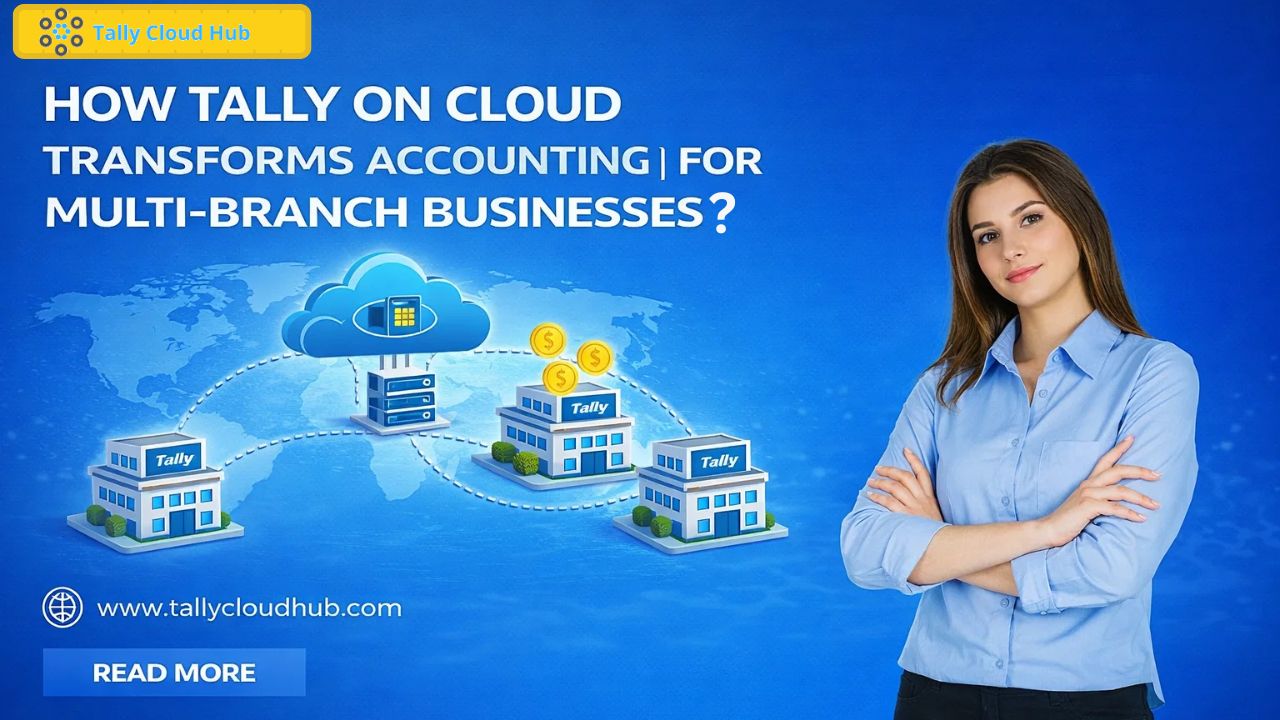
This is exactly where Tally on Cloud steps in as a game-changer. By hosting TallyPrime on cloud servers, businesses can centralize accounting, enable real-time access, and support multiple users across branches without the traditional limitations of on-premise setups.
Understanding the Accounting Challenges of Multi-Branch Businesses
Before diving into the solution, it’s important to understand the problems multi-branch businesses commonly face:
1.Disconnected Branch Data
Each branch often maintains its own accounting data. Consolidating this information at the head office requires manual exports, emails, or remote access tools, increasing the risk of errors.
2. Delayed Financial Reporting
Because data is not synchronized in real time, management decisions are often based on outdated numbers. This affects cash flow planning, inventory decisions, and compliance.
3. Limited Accessibility
Traditional Tally installations are tied to a single system. Accessing data from another location requires complex VPNs or remote desktop tools that are slow and unreliable.
4. Multi-User Conflicts
As branches grow, multiple accountants need access simultaneously. Local setups struggle with scalability and performance.
5. High IT Maintenance Costs
Managing servers, backups, updates, and security across locations increases IT overhead and operational risk.
What Is Tally on Cloud?
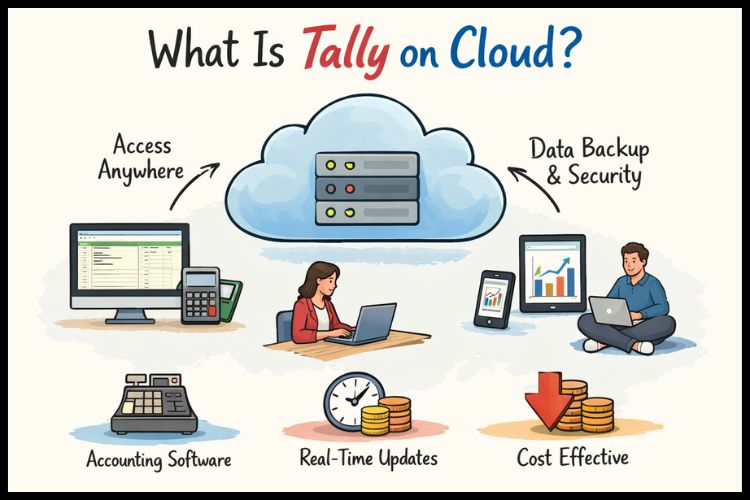
Tally on Cloud is a model where your existing Tally software is hosted on a secure cloud server instead of a local computer. Users from different branches can log in through the internet and work on the same data simultaneously. Unlike web-based accounting tools, this approach allows businesses to continue using the familiar power of Tally only with enhanced accessibility, speed, and scalability.
How Tally on Cloud Transforms Multi-Branch Accounting
1. Centralized Accounting for All Branches
With Tally on Cloud, all branch data is stored in one centralized environment. Whether it’s sales, purchases, inventory, or GST entries, everything updates in real time.
Impact on multi-branch businesses:
No manual data consolidation
Single source of truth
Faster month-end and year-end closing
Head offices gain instant visibility into branch-wise performance without waiting for reports.
2. Real-Time Access Anytime, Anywhere
One of the biggest advantages of cloud-hosted Tally is location independence. Branch managers, accountants, and auditors can access data securely from any device. This flexibility supports:
Remote work and hybrid teams
Inter-city and inter-state branch coordination
Business continuity during disruptions
It also eliminates the dependency on physical office systems.
3. Seamless Multi-User Collaboration
Multi-branch businesses require multiple users to work at the same time. Tally on Cloud supports smooth concurrent access without data conflicts or slowdowns.
Centralized accounting teams
Distributed data entry across branches
Simultaneous reporting and auditing
When evaluating Tally multi-user pricing plans, businesses can scale users as operations grow, without investing in new hardware.
4. Faster and Smarter Decision-Making
Because data is updated instantly, management can access:
Branch-wise profit and loss
Real-time cash flow status
Inventory movement across locations
Outstanding receivables and payables
This real-time insight empowers leaders to make informed decisions quickly, something traditional setups struggle to provide.
5. Improved Data Security and Backup
Data security is a major concern for businesses handling financial information. Cloud-hosted Tally environments typically include:
Encrypted data storage
Firewall protection
Automatic daily backups
Disaster recovery support
Unlike local systems, where data loss due to hardware failure is common, Tally on cloud automated backups ensure business continuity.
6. Simplified Compliance and Audits
For multi-branch businesses, audits and compliance can be time-consuming. Tally on Cloud simplifies this by:
Providing auditors remote, read-only access
Ensuring uniform accounting practices across branches
Reducing last-minute data preparation
Auditors no longer need to visit each branch physically, saving time and cost.
Role of a Tally on Cloud Demo in Decision-Making
Before migrating, many businesses opt for a Tally on cloud demo to understand how the system works in real-life scenarios.
Test multi-user access from different locations
Check speed and performance
Understand security features
Evaluate ease of use for branch staff
This hands-on experience builds confidence and ensures the solution aligns with operational needs.
Cost Efficiency for Multi-Branch Businesses
Contrary to popular belief, Tally on Cloud is often more cost-effective than on-premise setups.
No server or hardware investment
Reduced IT maintenance
Lower downtime-related losses
Flexible subscription-based pricing
When comparingTally malti user pricing plans, businesses can choose packages that fit their current size and upgrade as they expand.
Scalability That Grows With Your Business
Multi-branch businesses are dynamic. New locations, new users, and increased data volumes are common. Tally on Cloud scales effortlessly:
Add users without reinstallations
Support new branches instantly
Increase storage as data grows
This scalability ensures your accounting system never becomes a bottleneck.
Choosing the Best Tally on Cloud Service Provider
The quality of service provided by different cloud providers varies. Selecting the Best Tally on cloud sevice provider is critical for long-term succes s.
Server Performance—Fast load times and minimal latency
Uptime Guarantee – 99.9% or higher availability
Data Security Standards—Encryption, backups, compliance
Scalable Plans—Flexible user and storage options
Customer Support—24/7 technical assistance
Migration Support—Hassle-free shift from local to cloud
A reliable provider ensures smooth operations and peace of mind. To get started with Tallycloudhub and take the first step toward faster, safer, and smarter Tally on Cloud for your business.
Real-World Use Case: Multi-Branch Retail Chain
Imagine a retail business with outlets in five cities. Each branch enters sales and inventory data daily. With Tally on Cloud:
Branch staff update data locally
Head office views consolidated reports instantly
Stock transfers between branches are tracked in real time
This level of transparency and control is difficult to achieve with traditional systems.
Future-Proofing Multi-Branch Accounting
As businesses adopt digital transformation, cloud-based accounting is no longer optional—it’s strategic. Tally on Cloud supports:
Remote work culture
Faster compliance changes
Integration with modern workflows
Long-term scalability
It ensures your accounting infrastructure is ready for future growth.
Conclusion
Tally on Cloud simplifies accounting for multi-branch businesses by enabling real-time access, centralized data, and smooth multi-user collaboration. It improves efficiency, accuracy, and scalability while reducing operational challenges. For a reliable and future-ready cloud accounting experience, Tallycloudhub is a trusted choice.
Frequently Asked Questions
Q1. Do I need a new Tally license to use Tally on Cloud?
No, in most cases you can use your existing Tally license on the cloud. The cloud provider helps with the setup and migration.
Q2. Can I access Tally on Cloud from mobile or tablet devices?
Yes, Tally on Cloud can be accessed from laptops, desktops, and tablets, as long as you have a stable internet connection.
Q3. What happens to my data if the internet goes down?
Your data remains safe on the cloud server. Once the internet connection is restored, you can resume work without any data loss.
Q4. Is Tally on Cloud suitable for small and growing businesses?
Yes, it is ideal for both small businesses and expanding enterprises because it offers flexible plans and easy scalability.
Q5. How long does it take to migrate from local Tally to cloud Tally?
Migration is usually quick and can often be completed within a few hours, depending on data size and business complexity.