

Tally on Cloud knows your accounting data is critical, and it shouldn’t be confined to one computer in one office. That is why we are the go-to solution for growing businesses, CA firms, and finance teams. Tally on Cloud provides access to data from anywhere at any time.
There are a lot of providers in the market. Most of them make claims about their solutions providing bank-grade security and 99.9% uptime. Therefore, it is very hard for the client to identify a reliable partner. We will analyze and review this process and provide a case study and checklist to facilitate your service provider selection.
What Is Tally on Cloud, and Why Are Companies Moving to It?
Tally on Cloud means running your TallyPrime software and company data on a remote, professionally managed server as opposed to your local PC. You access it via the internet from your laptop, desktop, or phone. The experience is almost the same as working on a local machine.
There are four main reasons why companies are making the switch:
Work from anywhere: Your employees can create and update files at the office, from home, or on the road at a customer location.
Multi-user collaboration: Several employees can work on the same company file at the same time.
Less IT burden: You don’t need an in-house IT team to support and run your company’s server.
More data security: Company data is secured and backed up on a server and infrastructure built for security.
An example from Mumbai:
A firm with three branches used to send Tally data files to one another via email every week. After migrating to TallyPrime on Cloud, all branches work on a single live company file, which means that the month-end closing, which would take five days, is now completed in just two days.
How Do You Evaluate a Tally Cloud Service Provider?
A good Tally cloud service provider should pass six tests. Use them as a scorecard when comparing vendors.
Is the Tally Cloud Server Fast and Reliable?
Performance is the most important aspect that your team will notice. Check:
Specs on the server (processor, RAM, SSD)
How resources are allocated (dedicated or shared)
The location of the data center and network redundancy
A negotiated SLA with a clear uptime guarantee and terms.
Tally runs best with SSDs and with dedicated resources. A Tally server with a shared setup can get very slow and clunky with heavy usage and large ledgers. A Tally cloud server with SSD storage with dedicated resources would work much better.
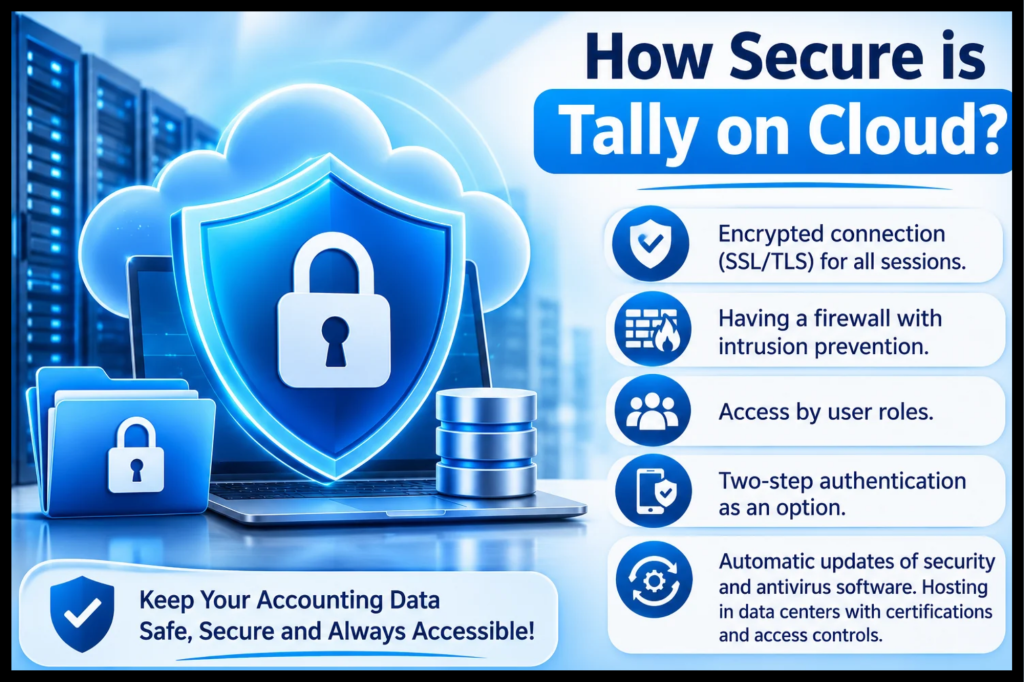
How Secure is Tally on Cloud?
Security of Tally on Cloud must never be considered an afterthought. Accounting information may contain banking details and GST information. Confidential information can be accessed by employees if controls are not in place.
Consider:
Encrypted connection (SSL/TLS) for all sessions.
Having a firewall with intrusion prevention.
Access by user roles.
Two-step authentication as an option.
Automatic updates of security and antivirus software. Hosting in data centers with certifications and access controls.
Expert tip: Ask the service provider how they handle a security incident. A confident and specific answer is good. A vague answer is bad.
Tally Cloud Backup What Do You Need to Know?
Effective Tally Cloud backup is what will save you in your hardest times. A good vendor should provide you with:
Daily automated backups, preferably with several restore points
Backup stored independently from your main server.
A process of restoration with clear restoration timelines.
The choice to create your own copy.
You should never take backups for granted. Ask for the backup policy document and the usual restoration time.
How Does Tally Remote Access Work?
Tally remote access refers to how you will be logging into your cloud server. In most cases, they offer remote desktop connectivity, while others even provide browser-based access.
Verify the following details before signing up:
Is it available for Windows, Mac, Android, and iOS?
Can several people log in at once without performance issues?
Is it possible to print out your data and export reports in Excel and PDF format?
Is it easy to add/remove users?
For CA firms that deal with many clients, managing separate company files and access rights from one dashboard helps save precious time.
How Much Does Tally Cloud Pricing Really Cost?
The pricing of Tally Cloud varies a lot, and the lowest priced plan may not be the most economical. In most cases, there are charges that vary from user to month and from storage to performance.
What Affects the Price?
- Number of users
- Storage allocations
- Backup frequency and duration of backup storage
- Technical support (office hours or round the clock)
- Add-ons such as more software or servers
Hidden Costs You Should Watch For
- Setup or migration fees
- Restore backup charges
- Additional costs for additional storage space
- Tiered paid customer support services that must be available as the standard
Common sense solution: Get a quote for everything that will be required for a year.
What Features Make the Best Tally Cloud Service?
The best Tally cloud service will vary based on the size of your company and its workflow, but these are some important features.
What Should Small Businesses Look For?
Easy onboarding, cost-effective user-based pricing, speedy customer support, and seamless data migration. Since a small business does not have an IT department, customer support acts as the IT department.
Things that CA Firms and Large Teams Should Be Looking For
Compatibility with many companies and users
Permission access controls
Scalable resources during heavy loads such as GST and audit time
Account management support

IT Managers?
Inquire about server monitoring, uptime statistics, disaster recovery solutions, and even API or integration possibilities. All of that comes down to the scalability of the platform as your business grows.
Before signing up for any cloud hosting services by Tally, ask the service provider the following:
“Do you offer me a trial or demo of your services?”
“How can I make sure that my data is safe and backed up?”
“What is your customer support like, and how quickly do you respond?”
“Am I able to upgrade or downgrade my services easily?”
“How is my data delivered back to me if I am not using the services anymore?”
“Are TallyPrime licenses supported, and can I import mine?”
Why Is the Quality of Support Important?
Tally related concerns do not come up at convenient times. A GST return submission or an audit of the client could happen at any time. These should include:
- Phone, chat, and email support
- Support technicians who know about accounting processes and not server processes
- Quick fixes for login, printing, and performance issues
Example situation: An accountant cannot print an invoice at 6 pm on the last day of the month. Support from Tally-trained professionals can solve it instantly. It could take a generic hosting support desk a whole day.
How Do You Get Experience with a Provider Without Any Commitments?
Go for a short trial with actual data. Consider the following four points:
Time needed for loading large company files
Number of users simultaneously logged in.
Printing and export of reports
Feedback from the support team
A two-week trial will give you more information than all the sales literature put together.
What Does Tally on Cloud Offer That Makes It Suitable for Companies of All Sizes?
Tally on Cloud for companies suits everyone regardless of their size:
Startups and SMEs: Zero setup costs and no need to buy servers
Corporations: Centralized database for all clients and easy user access
Companies with multiple locations: Live data source for each location
Businesses that are expanding: Tally Cloud Solutions that can scale up
Conclusion
Key attributes that make for a great Tally Cloud hosting provider include fast servers, good security, reliable backups, competitive pricing, and qualified staff with accounting expertise. Test the service first, do your homework, and look at the total cost of ownership instead of the least expensive choice. This is what Tallycloudhub was created with in mind. Tallycloudhub offers you secure, scalable Tally cloud hosting services to access your company’s data remotely, back it up automatically, and have Tally support all the time. Whether you are a new company trying the cloud hosting experience for the first time or an expanding business dealing with multiple users and locations.
Frequently Asked Questions
1) What is meant by Tally on Cloud?
It refers to TallyPrime being hosted on a secure server that you can access through the Internet. This means that your data remains centralized and your staff may log in from anywhere.
2) Would using Tally on Cloud be safe with my sensitive finance data?
Yes, as long as the service provider employs encryption, firewalls, access control, and regular backups. It is always advisable to have everything in writing.
3)What is the cost of Tally on Cloud?
The pricing is generally a monthly subscription fee per user. To prevent any surprises, it is best to ask for the full price for 12 months.
4) Is there an option for multiple people to work on the same Tally file simultaneously?
Yes. Since cloud hosting allows multiple users, it would be possible for several accountants to work on the same company information simultaneously, depending on the license of your TallyPrime.
5) What happens to my data if I switch providers?
A good service provider enables you to have your entire data exported and downloaded upon request. Verify this before engaging in the process and any associated costs.
6) How do I know a provider’s backup is reliable?
Ask them about their backup rate, the amount of time the information is kept, the place where it is stored, and the amount of time that it takes to restore the information. These are the four things that all the reputable ones know.
7) Can I access Tally from my phone or Mac?
Usually yes. Most providers support Windows, Mac, Android, and iOS through remote access clients. Confirm device compatibility during your trial.